How to set up a laptop with Centrino mobile technology
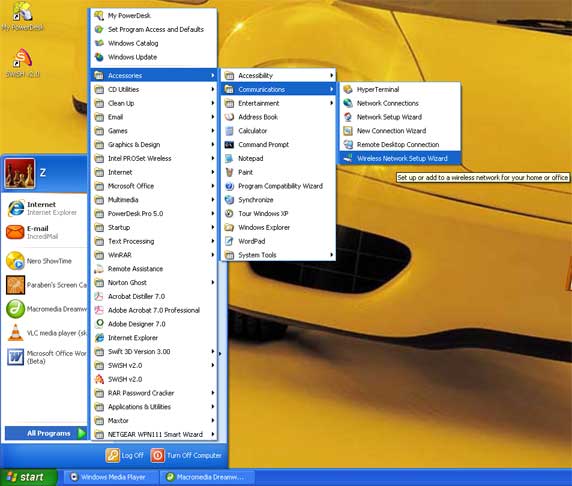
Click Start, point to All Programs, point to Accessories, point to Communications, and then click Wireless Network Setup
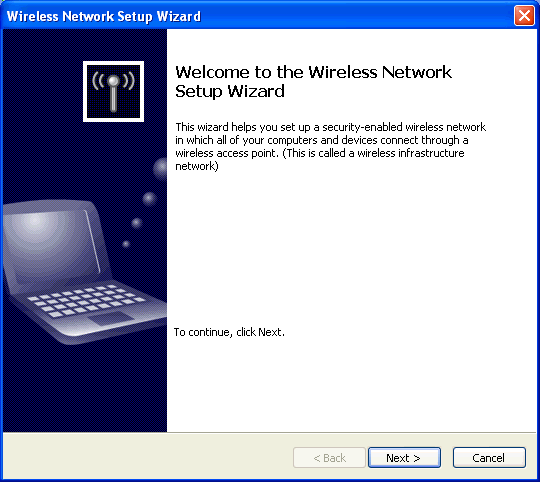
The Welcome to the Wireless Network Setup Wizard window will appear.
Click Next
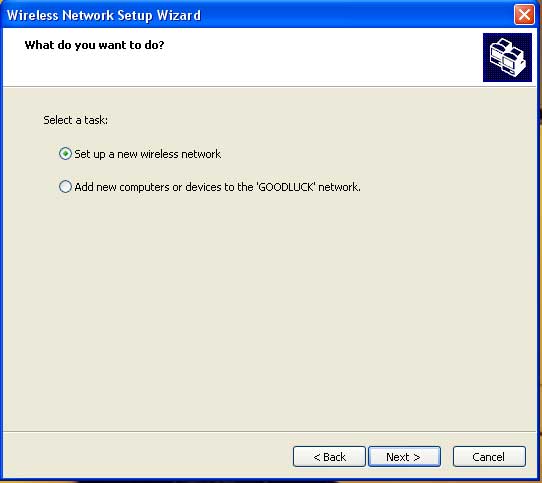
Select "Set up a new wirless network"
Click Next
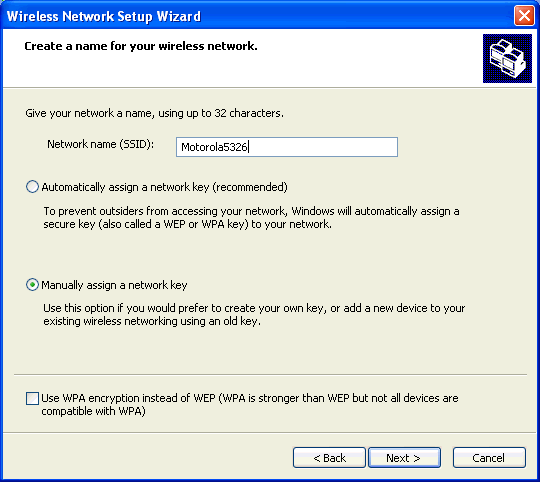
Type in your Network name (SSID) and select Manually assign a network key.
Click Next
Step 05.
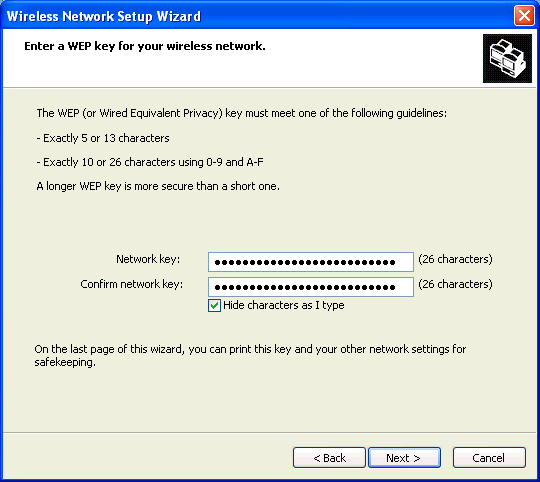
Type your Network (WEP) key and confirm network key.
Click Next
Type your Network (WEP) key and confirm network key.
Click Next
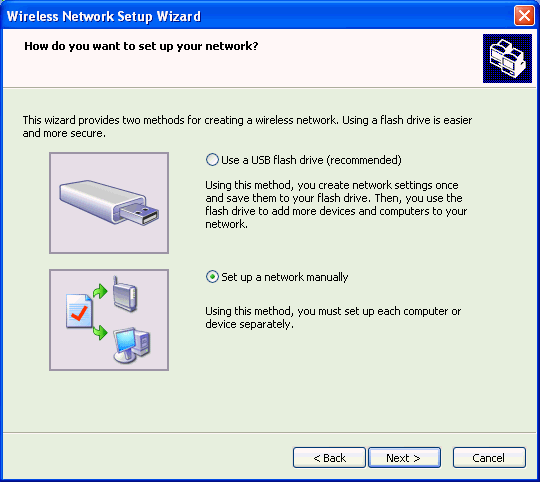
In the How do you want to set up your network select "Set up a network manually".
Click Next
The wizard completed successfully window will appear.
Click Finish
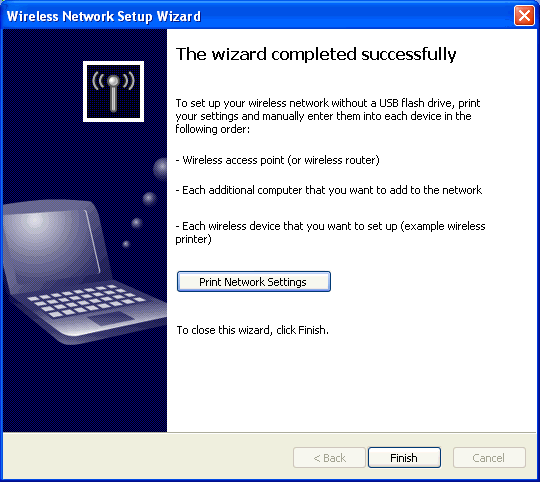
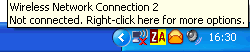
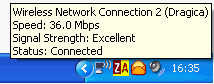
After a few seconds the wireless adaptor will connect with the wireless modem
and an indication similar to the one below will appear on the Task Bar.
How to change your Network Key
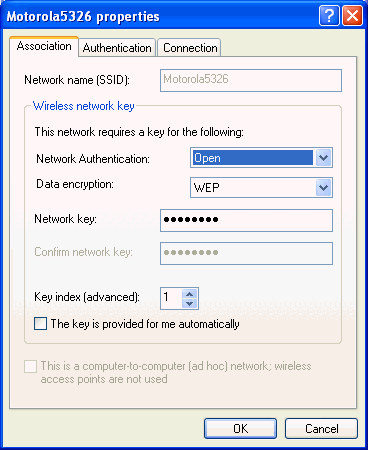
If you need to change your network (wep) key double click on your Wireless Network Connection icon (on the Task Bar) and select Properties.
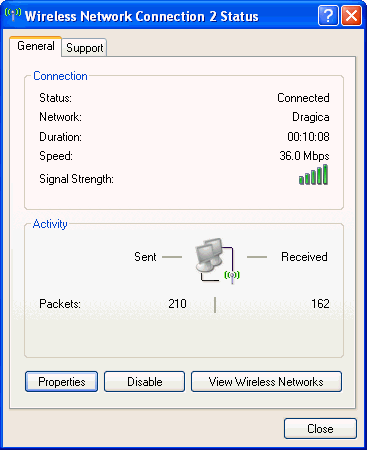
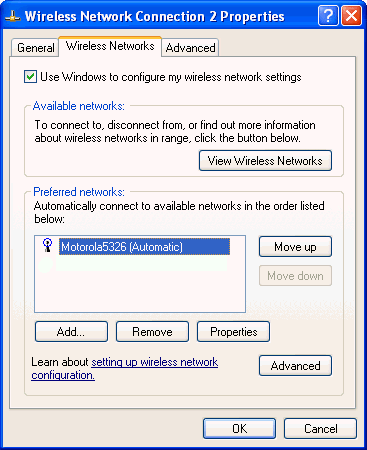
Select Wireless Networks tab and click on your wireless connection (e.g. Motorola, SpeedStreem, SpeedTouch...).
Click Properties
Type your new Network key.
Click OK